





Top 10 Free or Low-Cost Tools Small Businesses Should Use in 2025

TOP 10 MAIN

Smart, reliable, and affordable solutions to help your business run smoother and save money.

In 2026, small businesses don’t need expensive software and bloated systems to do great work. With the right set of tools — many of which cost nothing or very little — you can boost efficiency, strengthen reliability, and get more done without overspending.

Here are 10 tools we recommend for small business owners who want better performance, stronger collaboration, and smarter workflows — all while keeping costs low.

1. Google Workspace Essentials Starter — Free Collaboration Built-In

Google’s free Workspace Essentials Starter gives you access to the most important tools for teamwork: Docs, Sheets, Slides, Drive storage, and reliable video meetings through Google Meet.
Whether you’re sharing proposals, collaborating on plans, or holding virtual meetings, this bundle covers the basics without charging a cent.

Why it matters:

  • Real-time collaboration saves time

  • Cloud storage keeps files accessible and backed up

  • Video meetings help remote teams stay connected

Perfect for small teams that want reliability without the price tag.

2. Canva — Professional Design Without a Designer

Canva is like a creative studio that fits in your browser. With thousands of ready-to-use templates, you can easily build social media graphics, flyers, newsletters, brochures, and more — all without design experience.

Even on the free plan, you’ll find:

  • High-quality templates

  • Logo and brand color tools

  • Easy resizing for different platforms

Why it matters:
Turns anyone on your team into a designer — so you can keep a consistent brand look without extra cost.

Canva

3. Trello — Simple Project Organization That Works

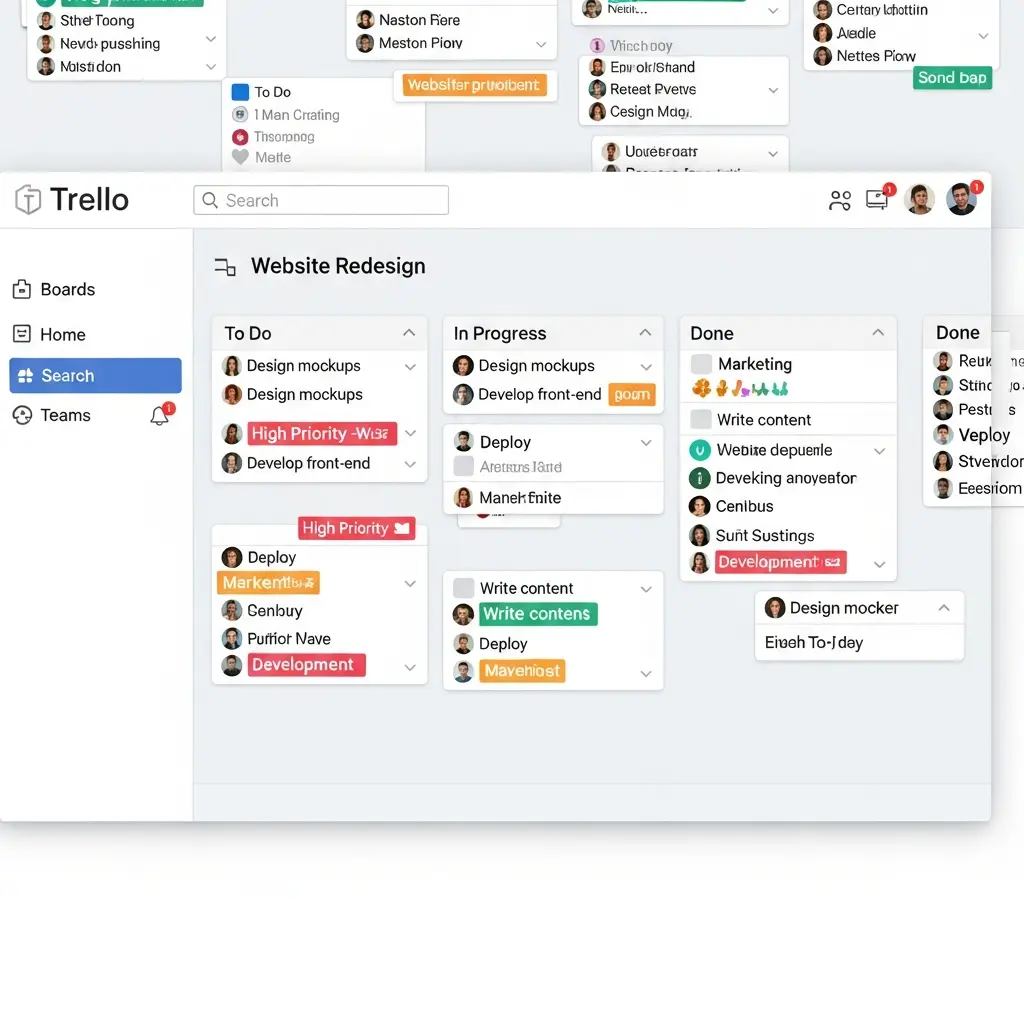
Trello uses boards, lists, and cards to help you track everything your team is working on. It’s visual, flexible, and doesn’t require a lot of setup.

FIS_Trello

At a glance, you can see: 

What’s in progress
What’s complete
Who’s responsible for what
Plus, automation (called Butler) helps reduce repetitive work.

Why it matters:
Keeps everyone on the same page without complicated project software.

4. Freshdesk — Organized Customer Support for Small Teams

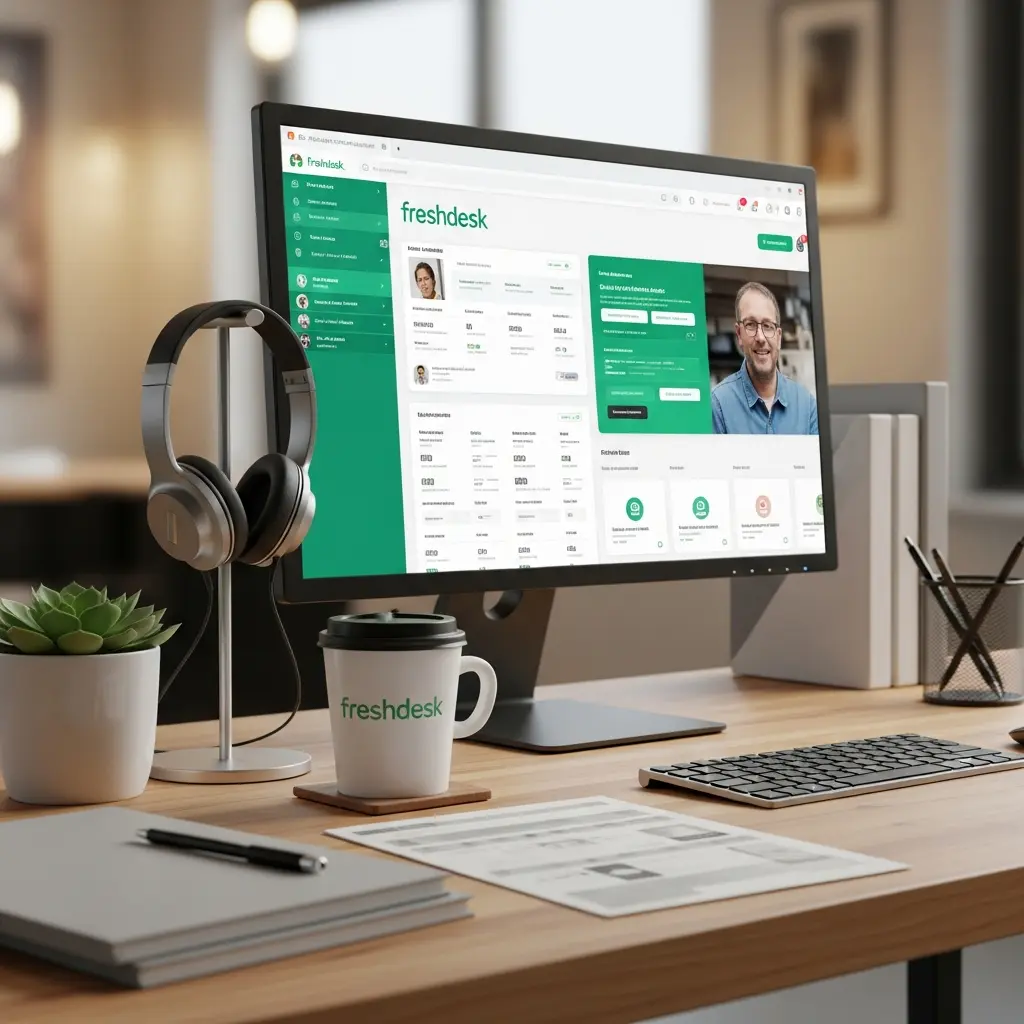
Freshdesk gives you a central place to manage customer emails, support tickets, and responses — even on their free tier.

You get:

  • A shared inbox for support requests

  • Automated ticket handling

  • Simple team collaboration tools

Why it matters:
Delivers more reliable customer service without adding headcount.

5. Wave Accounting — Professional Finances for Free

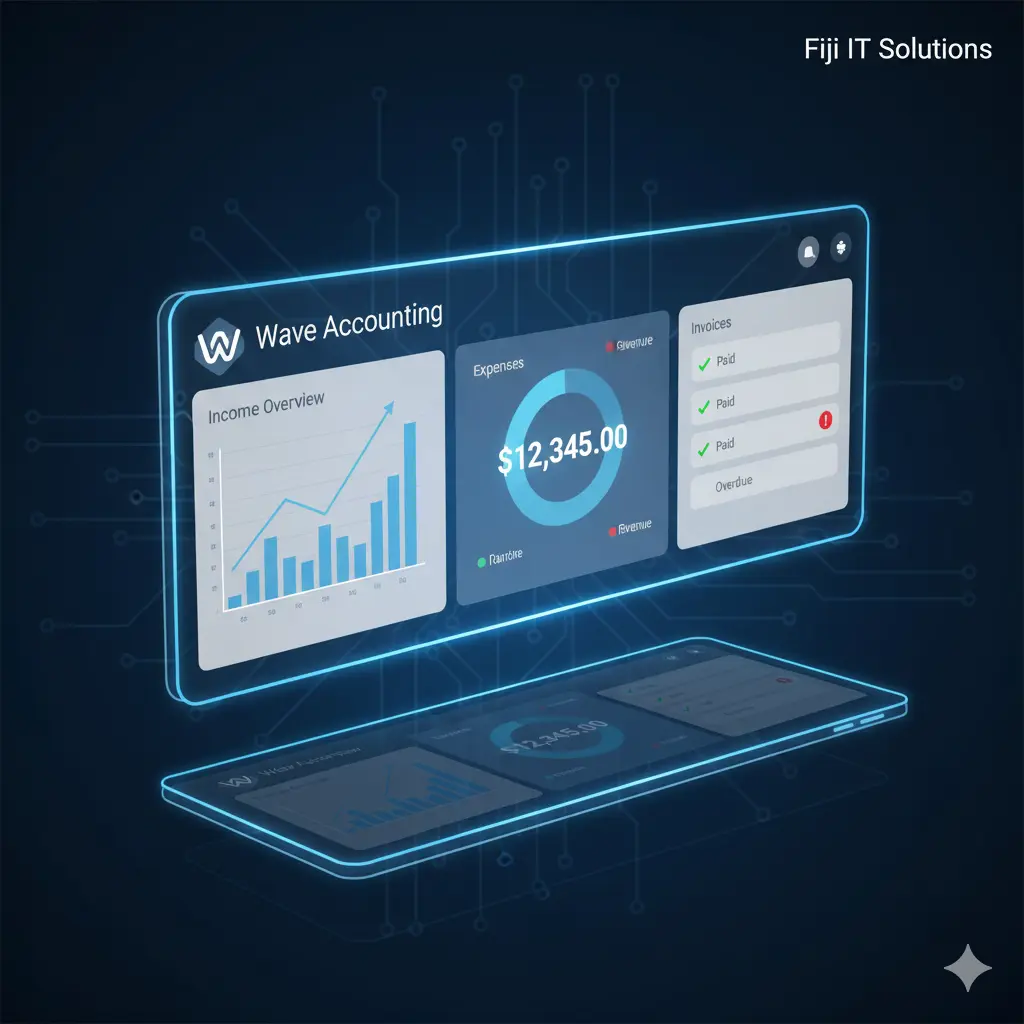
Wave helps you manage accounting and finances with features most small businesses need:

  • Income tracking

  • Expense categorization

  • Bank reconciliation

  • Easy reports and dashboards

Best of all, it’s completely free.

Why it matters:
Gives you a clear view of your financial health — without paying for expensive accounting tools.

6. Bitwarden — Strong Password Security (Free & Low Cost)

Passwords are the gateway to your data — and Bitwarden helps you protect every login your business uses.

Features include:

  • Encrypted password vault

  • Team password sharing

  • Multi-factor authentication support


Why it matters:
Stops weak passwords and risky practices before they become costly problems.

Bit-Warden

7. MailerLite — Affordable Email Marketing That Works

MailerLite makes it easy to build professional email campaigns, landing pages, and automated follow-ups without a big budget.

MailerLite

You can:

  • Design clean newsletters

  • Automate email sequences

  • Group subscribers for targeted messaging


Why it matters:
Helps you communicate with customers consistently — without expensive tools.

8. Notion — All-In-One Workspace for Teams

Notion helps you organize everything in one place: documents, notes, task boards, databases, SOPs — all in one workspace.

Notion helps you organize everything in one place: documents, notes, task boards, databases, SOPs — all in one workspace.

Key benefits:

  • Custom templates

  • Multiple views (table, board, calendar)

  • Shared team knowledge base

Why it matters:
Replaces several siloed tools with one flexible system that actually adapts to how you work.

9. Slack (Free Plan) — Better Team Communication

Slack keeps conversations organized with channels, direct messages, file sharing, and threaded discussions.

Slack

Use it to:

  • Reduce internal emails

  • Keep quick conversations organized

  • Integrate with tools like Trello and Drive

Why it matters:
Reduces miscommunication and speeds up decision-making.

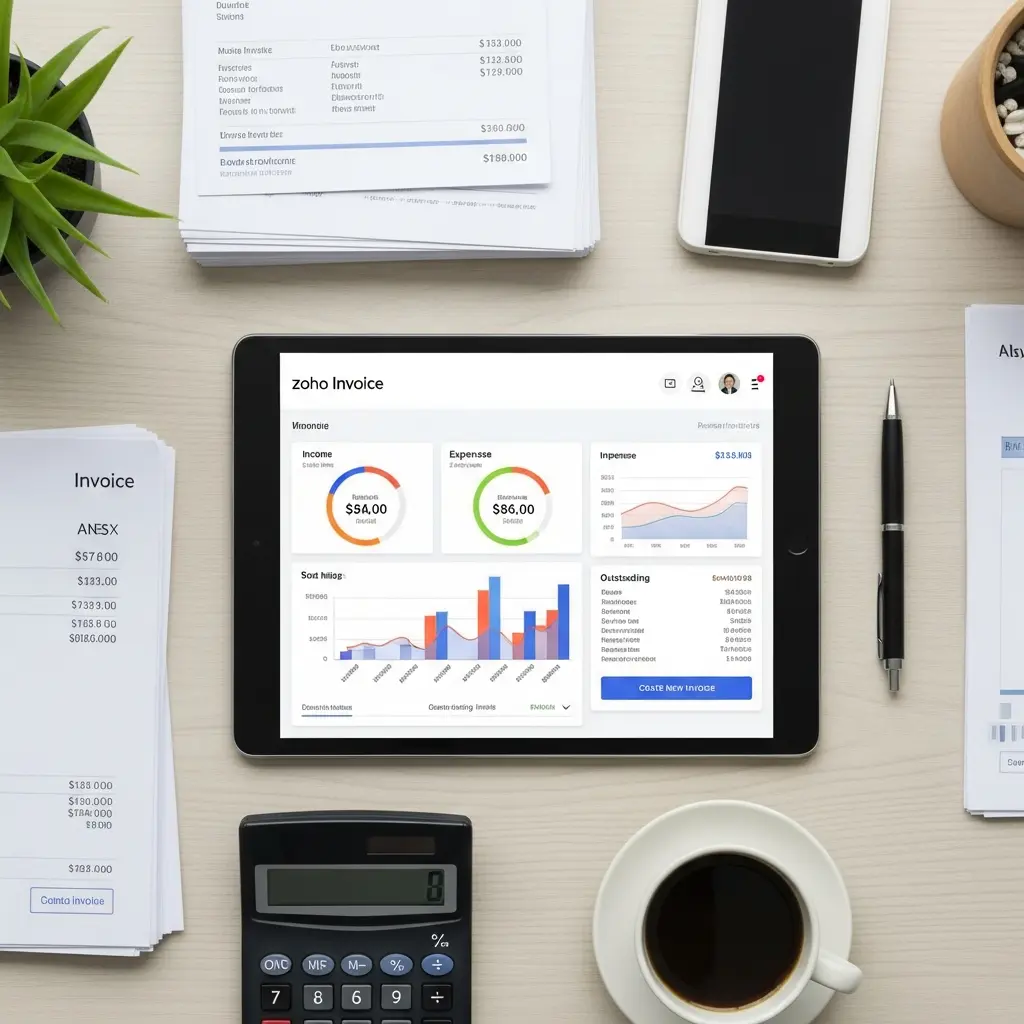
10. Zoho Invoice — Hassle-Free Billing (Totally Free)

If invoicing and payment tracking are eating up your time — Zoho Invoice is one of the best no-cost solutions available.

You can:

  • Create and customize professional invoices

  • Automate payment reminders

  • Accept online payments

  • Track time and expenses on the go

Why it matters:
Automates the paperwork so you can focus on customers — and it never costs a dime.

2026 is a great time to be a small business owner. The right tools can help you:

✅ Save money
✅ Improve reliability
✅ Streamline workflow
✅ Empower your team

Best of all, most of these tools don’t cost anything to get started — which means you can build a professional tech stack without stretching your budget.

Want help putting these tools into action? Just ask — We can help with implementation guides tailored to your business.

Schedule CONsultation

Fill out the form below, and we will be in touch shortly.

Contact Information